The problem
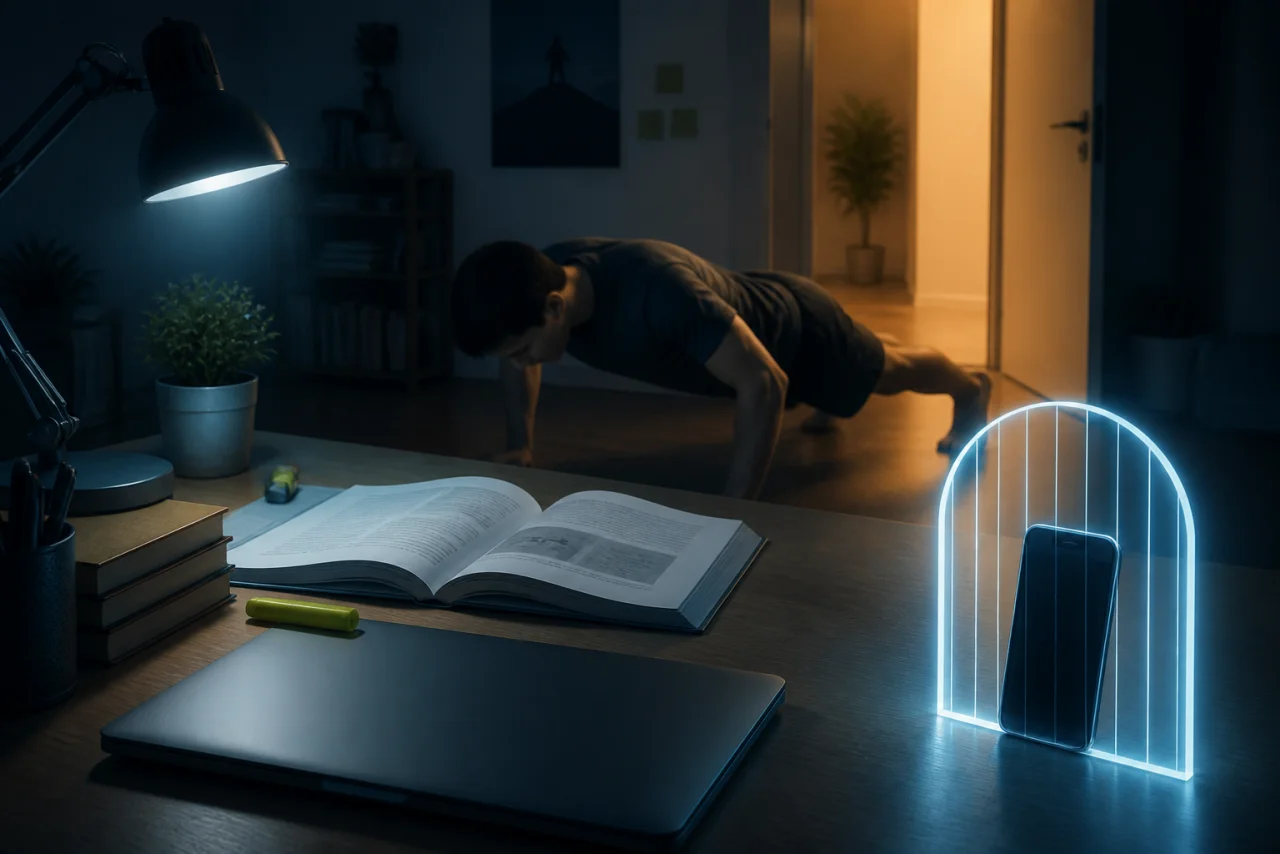
The scroll happens on autopilot.
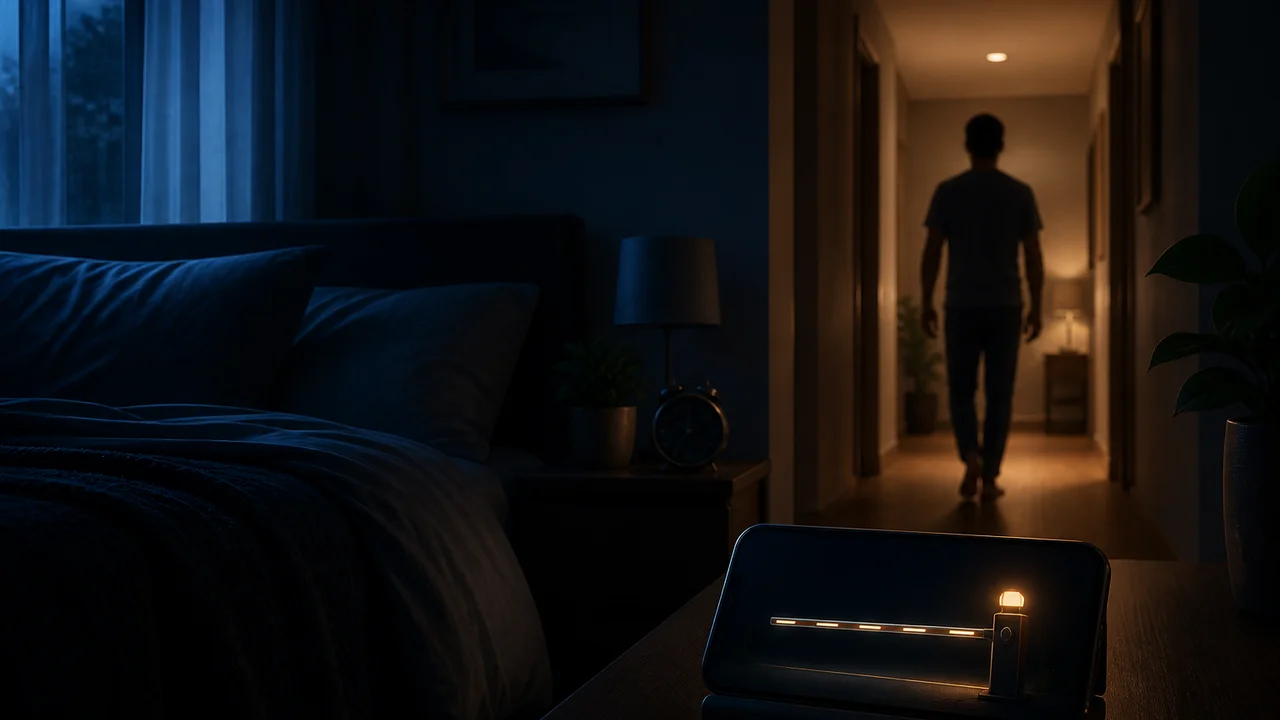
You open one app to check something and surface an hour later. Passive screen-time reports tell you what happened, but they never add any friction before the next tap.
LockyFit · earn your screen time
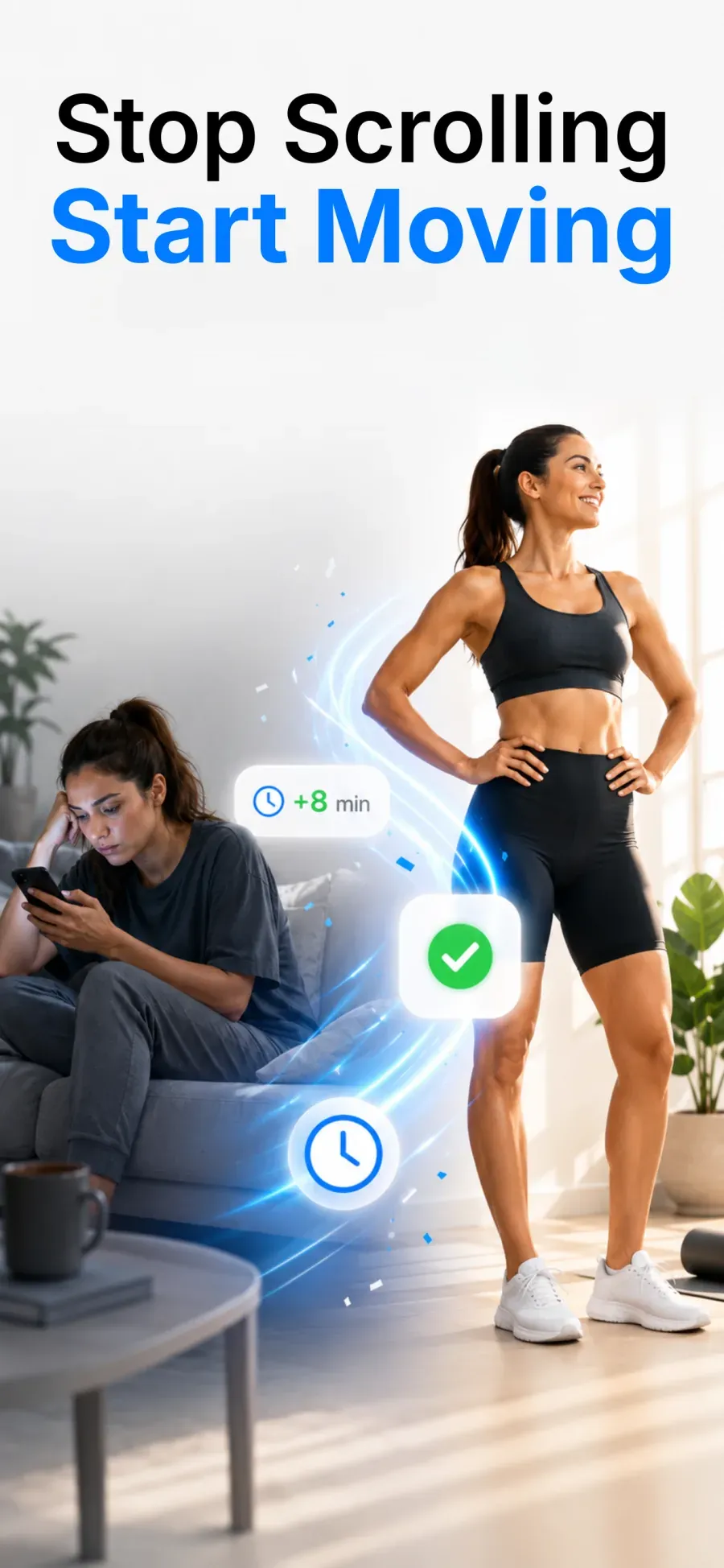
LockyFit blocks the apps that pull you in and puts a real cost on opening them — earn screen-time minutes with push-ups, squats, or a walk, then spend them to unlock.

Free on Google Play · Android
The problem
You open one app to check something and surface an hour later. Passive screen-time reports tell you what happened, but they never add any friction before the next tap.
The LockyFit way
LockyFit gates the apps you choose behind an earned wallet: move to bank minutes, then spend them to unlock. It's adult self-control by design — not parental control or an unbypassable lock.
How it works
A screen-time wallet that rewards movement instead of endless scrolling — you set the rules for yourself.
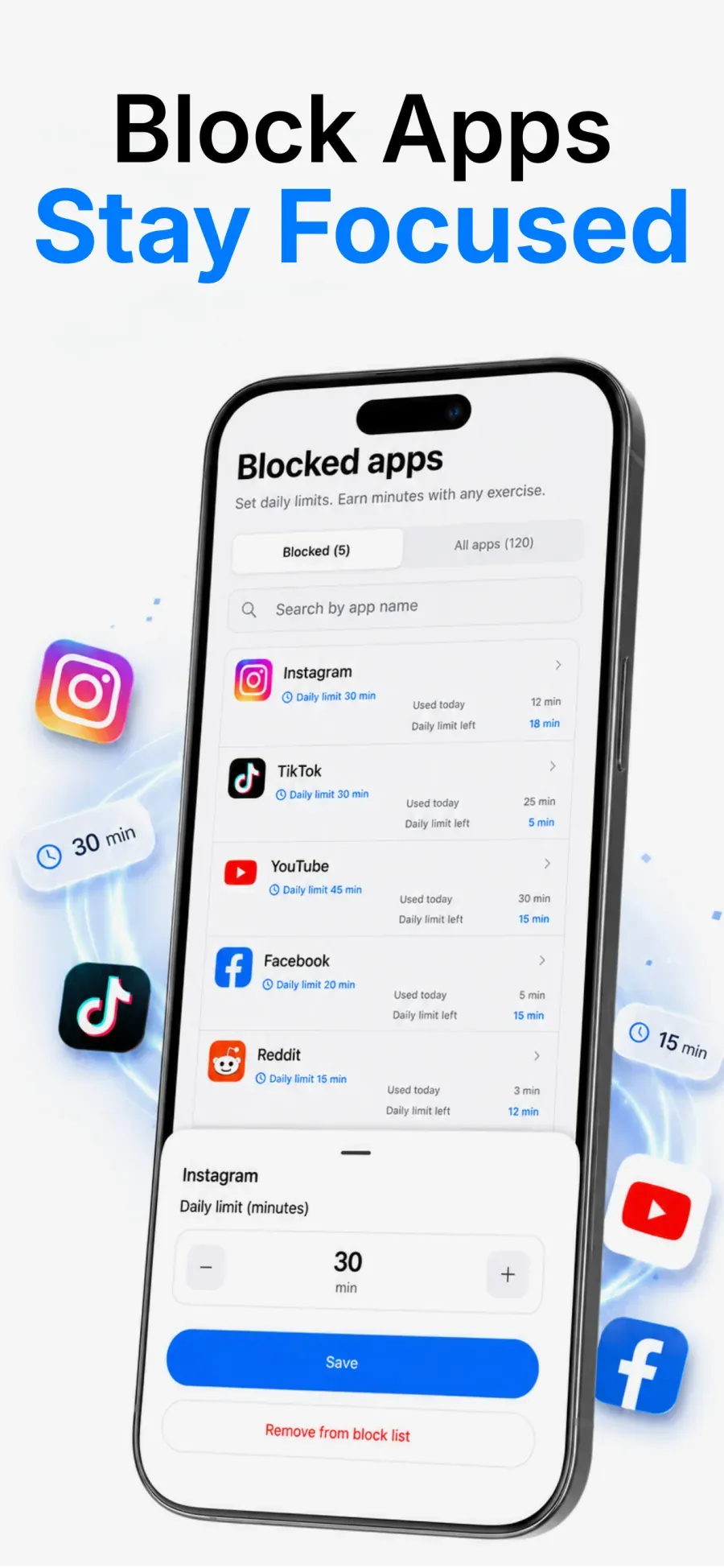
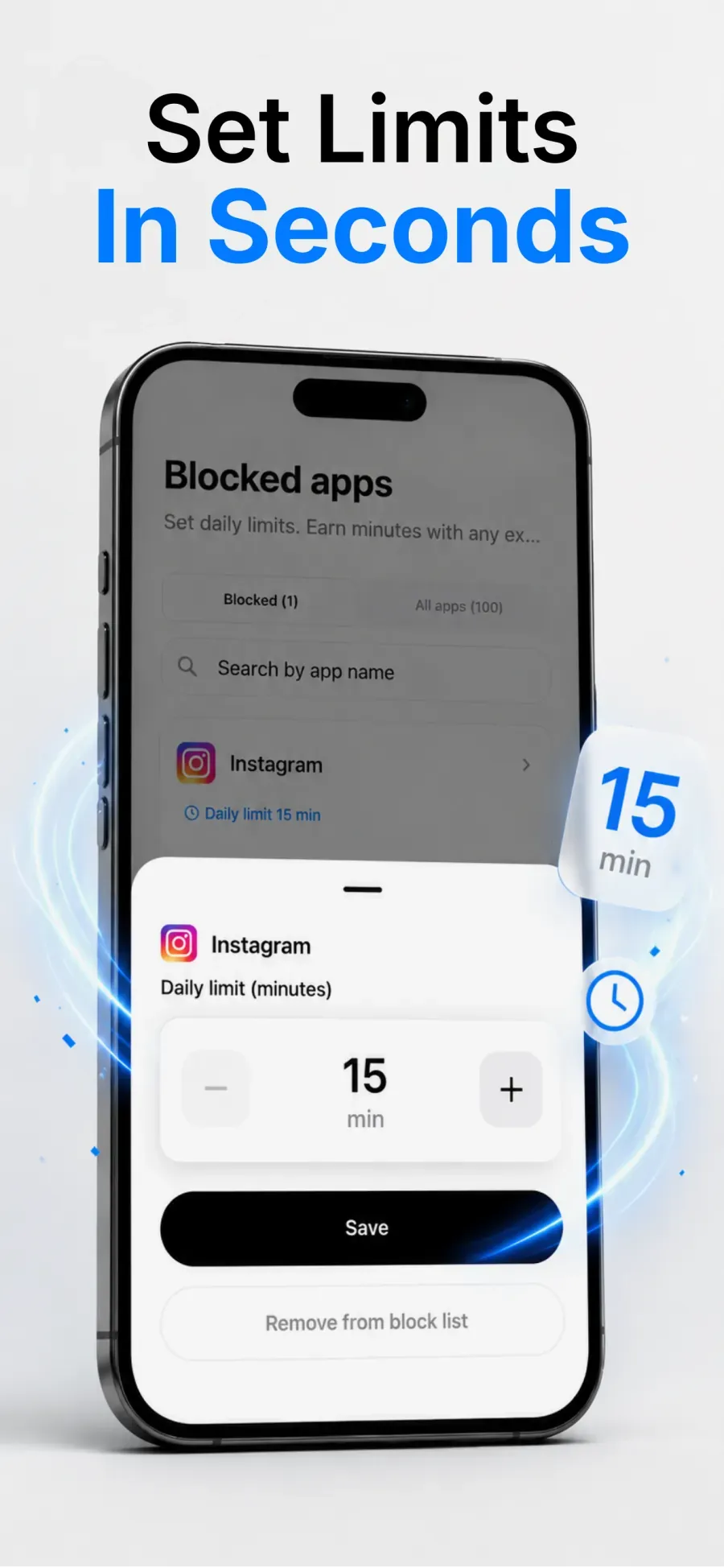
Pick the apps that pull you in and gate them behind an overlay until you've earned access. App-level blocking, with an emergency PIN.
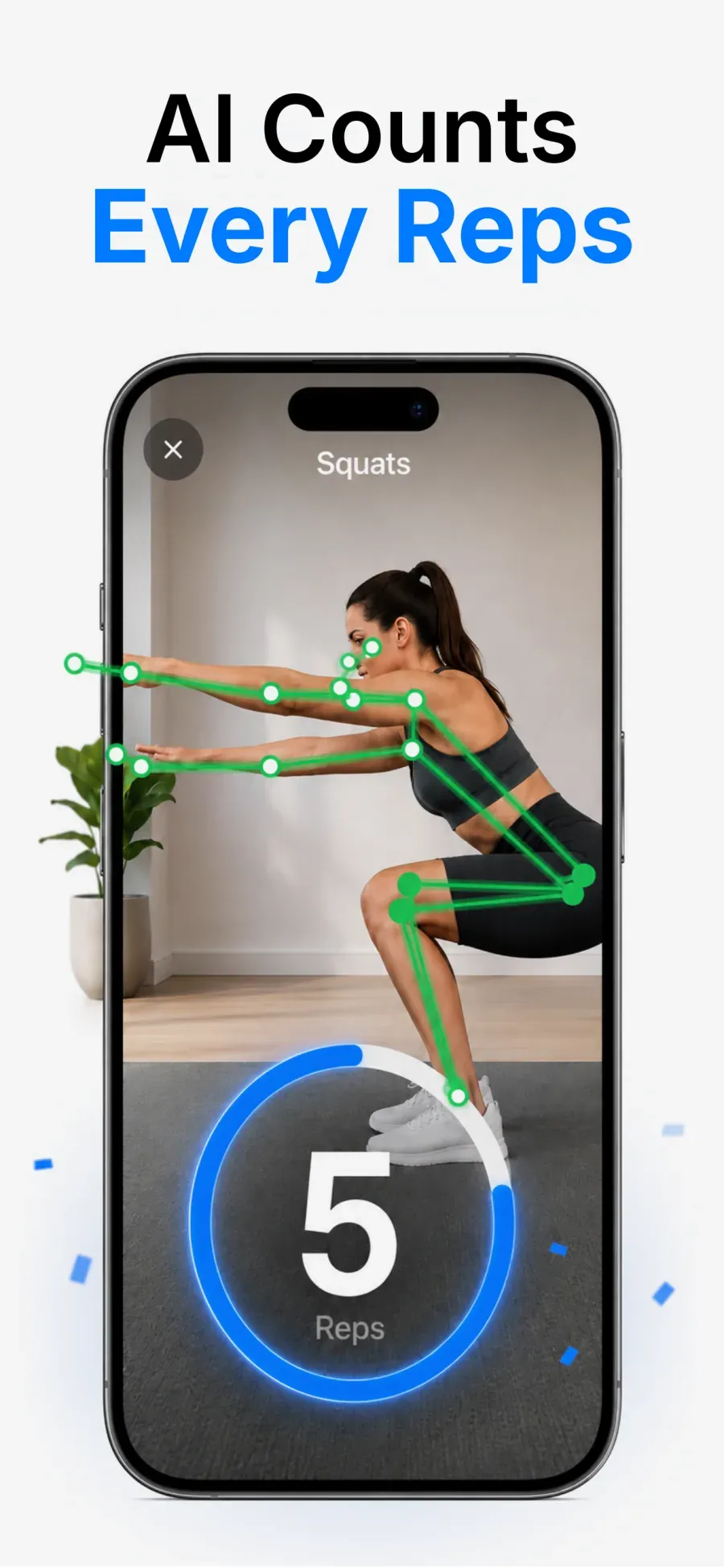
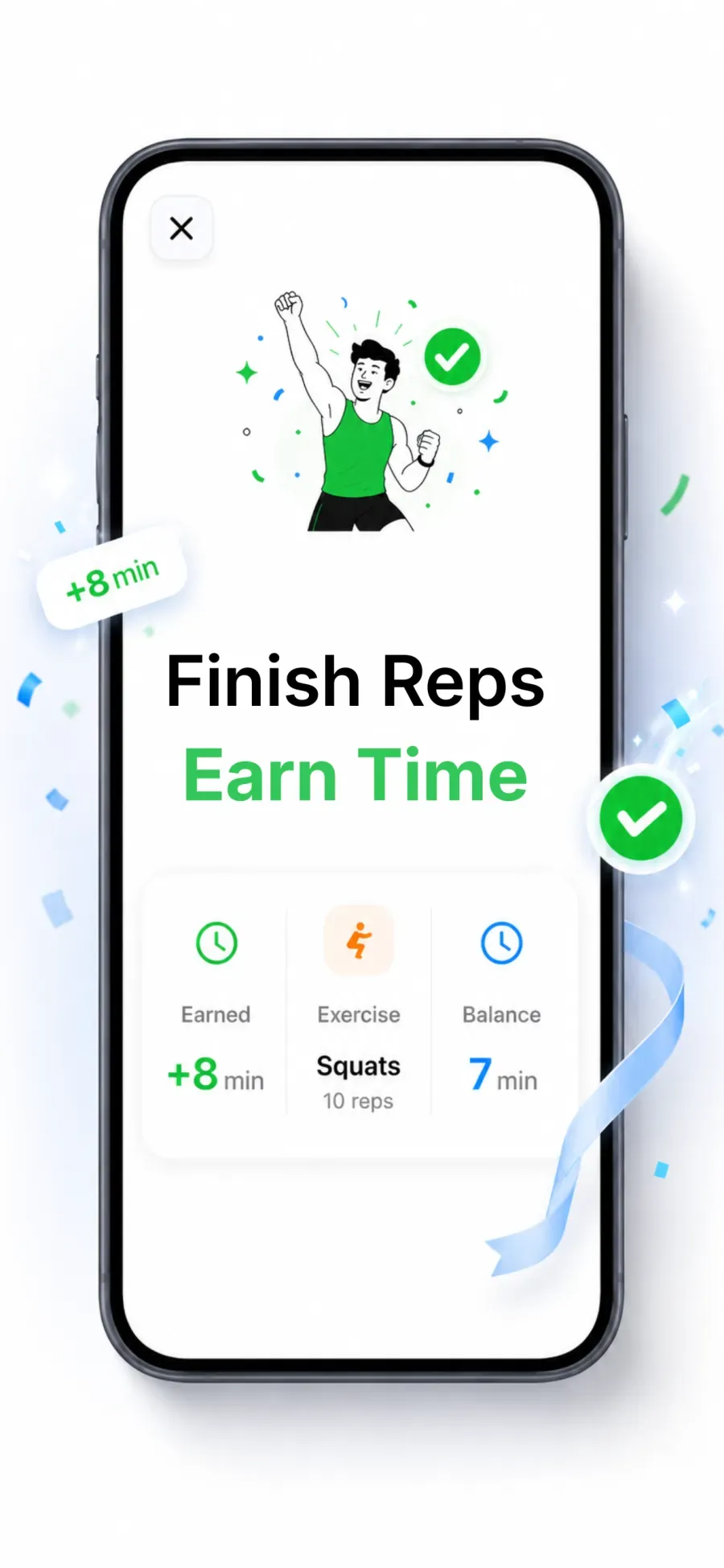
Bank wallet minutes by moving, then spend them on the apps you actually want to open — scroll with intent, not on autopilot.
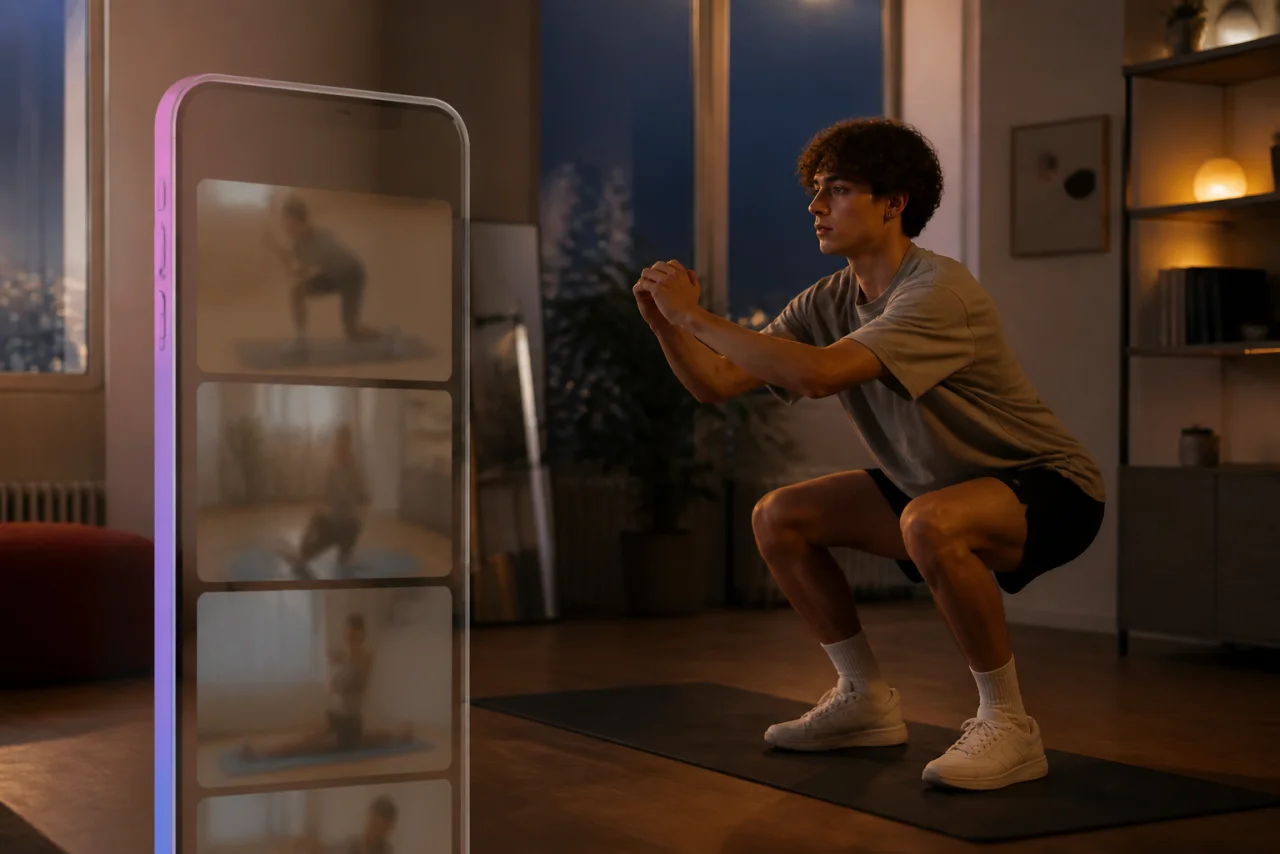
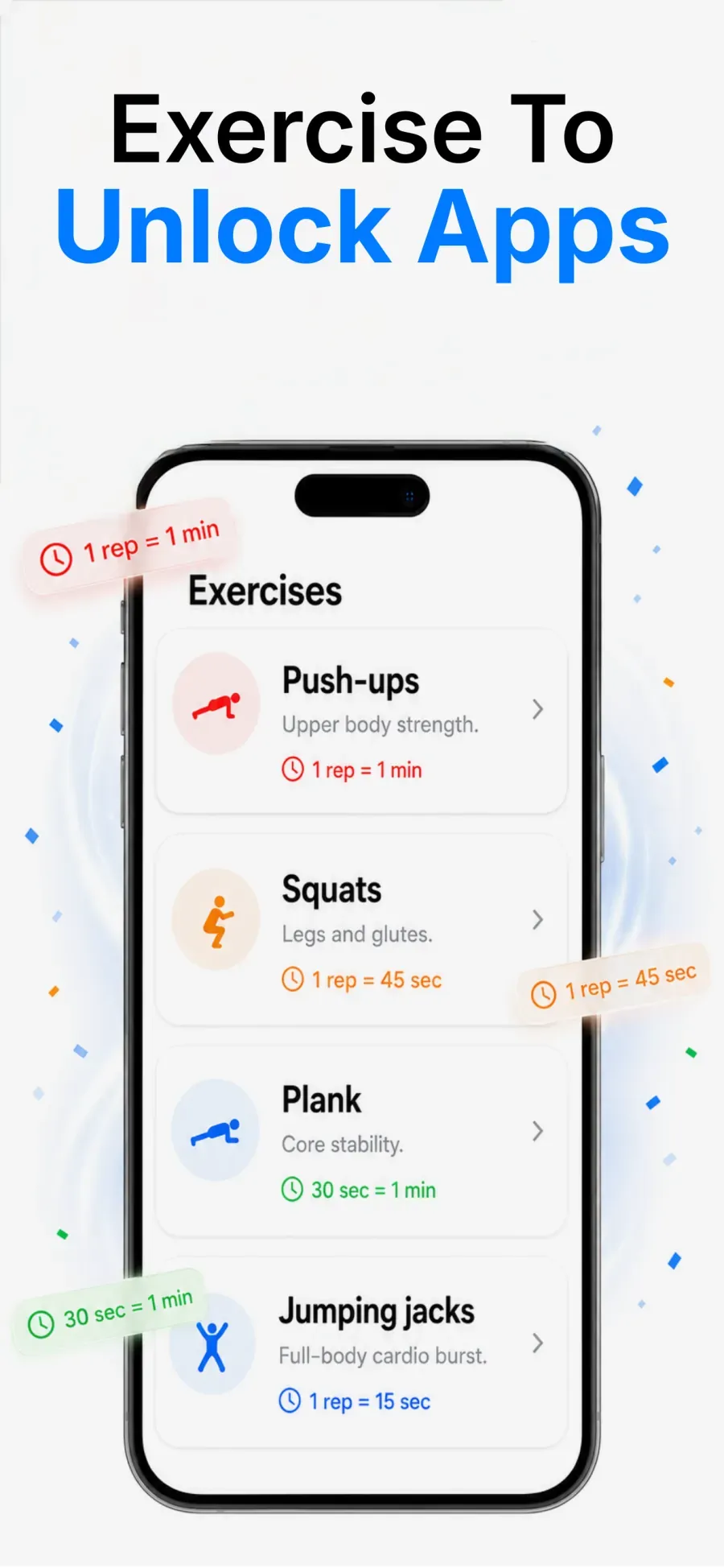
Count push-ups, squats, planks, and more with on-device pose detection — or earn minutes by walking. No extra hardware.
Track your wallet balance, daily streaks, and weekly progress so moving first becomes a habit that sticks.
A look at the block gate, workout counter, and screen-time wallet before you download.
Straight answers
Yes, by design. LockyFit is a self-control tool for adults, not an unbreakable lock. There is an emergency PIN, and you can always uninstall. The point is to add real friction before the autopilot scroll, not to trap you.
On-device pose detection watches your form through the front camera and counts push-ups, squats, planks, and more. Counting happens on your phone; see the privacy policy for what is and is not stored.
Walk. LockyFit can also credit minutes for steps, so a short walk earns screen time without a workout.
No. It is built for your own phone and your own habits. It is not designed to supervise someone else’s device.
LockyFit is free to install on Google Play. Some options may be part of an optional premium tier; the app shows exactly what is included before you pay.

Block one distracting app and bank your first minutes today. LockyFit is for adult self-control — not a fitness coach or medical advice.
Free on Google Play · Android