You want to block Instagram Reels on Android without deleting the app or installing a parental lock. Reels sit inside Instagram the way Shorts sit inside YouTube: one swipe and a "quick check" becomes forty minutes. Timer charts show the damage later. A PIN hide only slows the icon.
RepLock gates the Instagram app you select behind a movement-earned screen time wallet. Earn minutes with on-device pose workouts or steps, then spend unlock packs when you choose to scroll. This guide is Reels-specific—instagram reels blocker intent is real, and it is not the same problem as blocking TikTok alone or policing every website.
Why Reels need their own gate
Instagram keeps messaging and stories beside the infinite Reels feed. Category reviews repeat three frustrations:
- "I only opened Instagram to reply" — Reels hijacks a legitimate open.
- "I blocked TikTok and Reels replaced it" — one feed dies, another grows.
- "If I block Instagram I lose DMs" — users fear losing social utility.
RepLock does not surgically delete Reels inside Instagram. It pauses the Instagram app you gated until you fund minutes. That is honest friction for adult self-control—not a kids Screen Time passcode and not a feed-level parental filter.
Step 1 — Add Instagram to your gated list
In RepLock's app picker, select Instagram (com.instagram.android or the package your device shows). Start with Instagram alone if Reels is the leak; add TikTok or YouTube later once the loop feels fair.
Freemium tiers cap how many apps you can gate before Pro. One high-impulse app proves the earn → spend cycle faster than blocking half your launcher.
Step 2 — Confirm the overlay fires on open
Enable Accessibility for RepLock and open Instagram deliberately. You should see the fullscreen gate before the home feed or Reels rail loads. If nothing appears, verify Accessibility is still on, battery optimization is not killing listeners, and Instagram remains in your blocked list after an update.
For overlay honesty and permission anxiety, see App blocker honesty: Accessibility overlay limits.
Step 3 — Earn wallet minutes before the first Reel
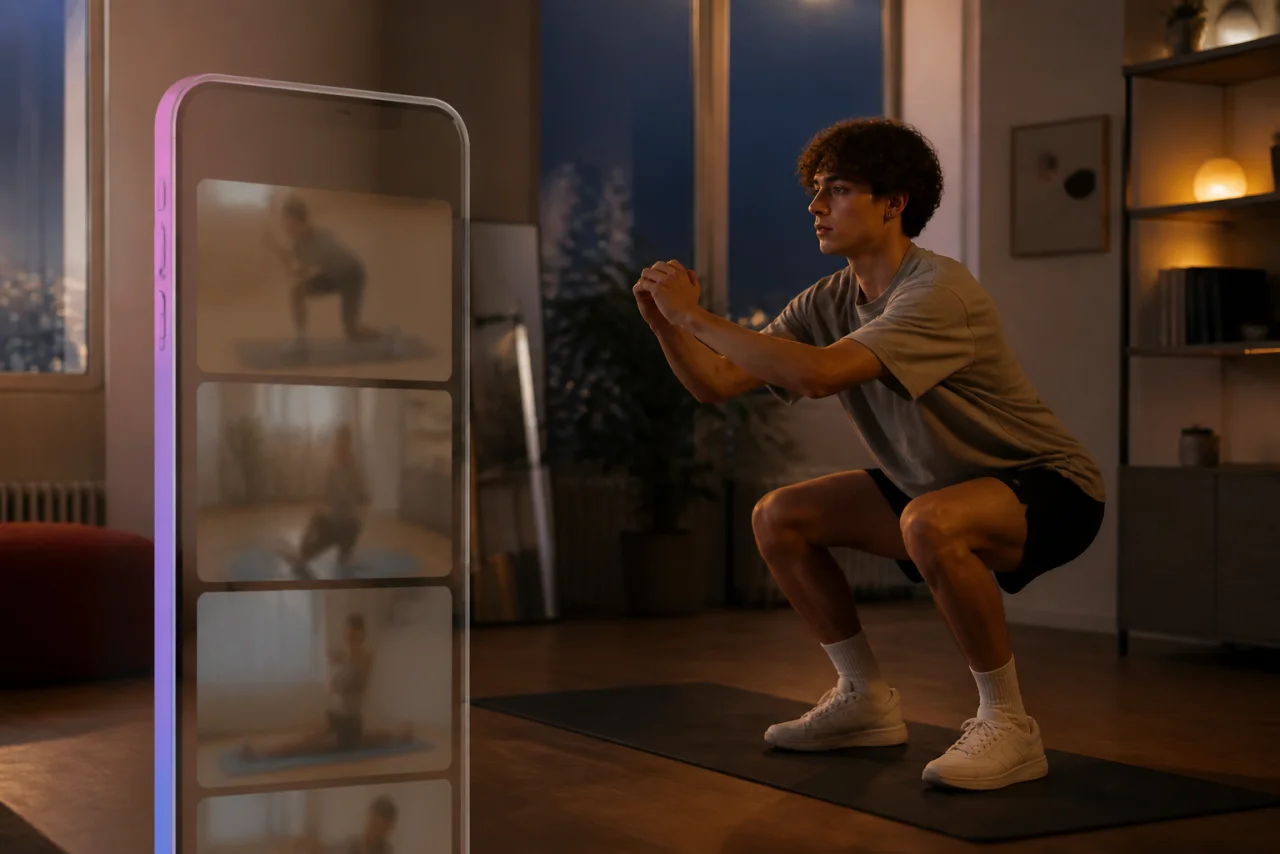
Fund Today's screen time wallet with a short pose set (push-ups, squats, plank—availability depends on free vs Pro) or a step walk. Camera counting needs light and framing; on-device pose detection is not a personal trainer and does not prevent injury.
Example path: ten squats credited → minutes land in the wallet → you return to the gate and spend a 5-minute unlock pack for a bounded Reels check.
If TikTok was your old habit and Reels took over, gate Instagram first, then add TikTok once the Instagram loop feels fair. TikTok's earn path is in Block TikTok on Android — earn push-up minutes.
Step 4 — Spend small unlock packs on purpose
When Instagram opens behind the gate, spend a 5-minute pack first—not a twenty-minute binge that recreates the doomscroll you are trying to stop. Messaging can happen inside that bounded window; when the pack ends, the next open requires another earn.
Unlock pack habits matter: Unlock pack screen time habits.
What this block does not promise
Overlay gating targets the Instagram app you selected—not every browser session, alternate clients, or notification deep links. It does not replace Digital Wellbeing charts; pair wallet friction with awareness when you need to see where hours went—Digital Wellbeing vs earn screen time.
Pro expands blocked apps, exercises, and weekly insights. It does not turn Accessibility into an unbreakable cage.
How we tested this in RepLock
On 2026-08-23, Morrowline Apps gated Instagram on an Android Google Play build (com.pushup.screentime.replock). We confirmed the overlay on open, credited a short squat set and a brief walk, then spent a 5-minute unlock pack. Minutes appeared in Today's wallet after movement; the next open returned to the gate when the pack expired and the balance was empty. Claims were checked against the RepLock product brief and forbidden-claims list.
FAQ
Can I block only Reels and keep the rest of Instagram free?
RepLock gates the Instagram app you pick, not an in-app surface. If Reels is the leak, gate Instagram and use small packs for intentional sessions—that is friction for self-control, not a surgical Reels-only parental filter.
Does this block Instagram in Chrome?
No. The overlay targets listed apps. Browser Instagram and alternate clients are separate decisions.
Is this parental control for my child's phone?
No. RepLock is adult self-control via earned minutes—not Device Owner parental lockdown.
What if I uninstall the blocker?
Uninstalling or disabling Accessibility ends the gates. That honesty is intentional.
Install RepLock from Google Play, gate Instagram, earn a small balance, and practice a 5-minute unlock before the next Reels spiral. The feed that starts on its own is exactly where a wallet-funded pause earns its keep.