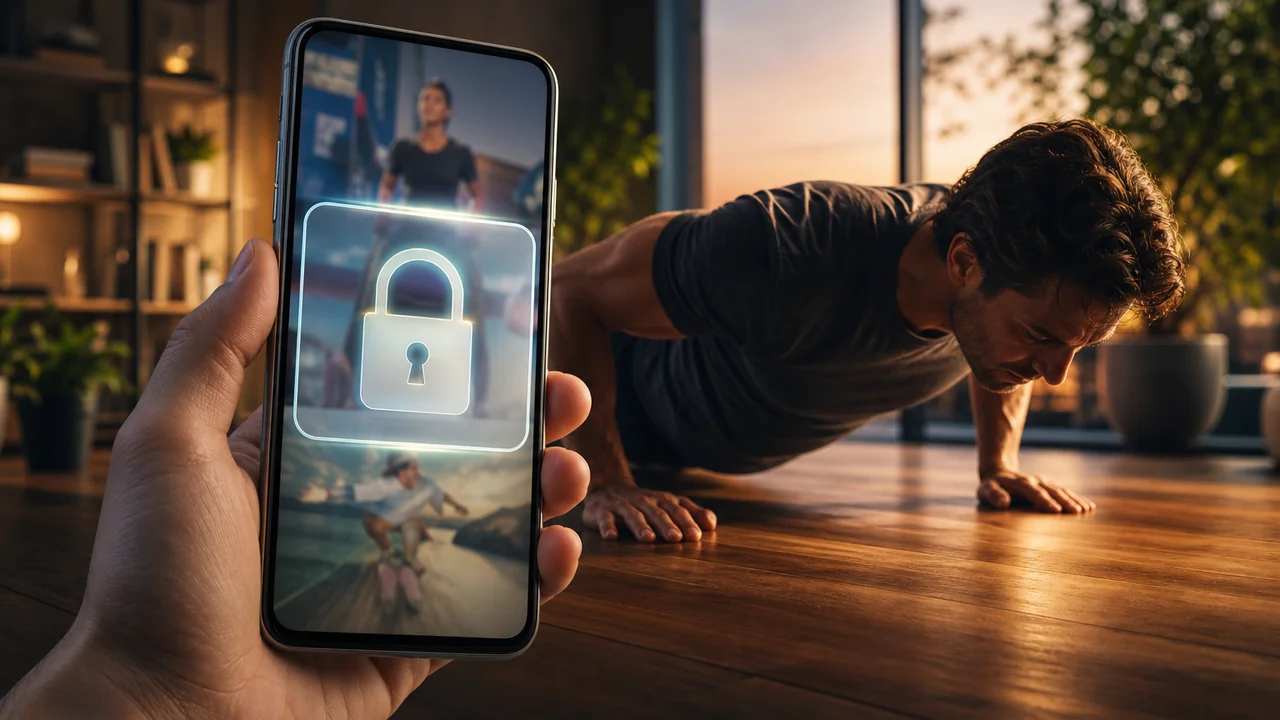
You searched how to block YouTube Shorts on Android because the next clip starts before you decide to leave. A timer chart shows the damage after the fact. A PIN applock only hides the icon. What many adults need is a gate that costs effort: open YouTube only after you fund a screen time wallet with movement, then spend a bounded unlock pack.
RepLock is built for that loop. You gate the YouTube app (and any other impulse apps), enable Accessibility-based overlay protection, earn minutes with on-device pose workouts or step walks, then spend unlock packs when you choose to watch. This guide is YouTube Shorts–specific—TikTok has its own path; Shorts deserve their own because the app also holds search, long-form, and “just one video” excuses.
Why YouTube Shorts need a movement gate
Shorts sit inside a utility app. You open YouTube for a tutorial, swipe once, and forty minutes vanish. Category feedback keeps naming the same traps: blockers that only nag, “focus modes” that feel optional after one settings tap, and parental-style locks that adults uninstall by lunch.
An earn-screen-time gate changes the reflex. The overlay pauses the open; the wallet makes the cost visible. You are not promising yourself you will “use less YouTube.” You are buying a session with minutes you already earned.
Three reader anxieties show up again and again:
- “I only meant to search one thing” — Shorts hijack a legitimate open.
- “Blocking YouTube breaks my work videos” — the whole app is gated, so pack size and timing matter.
- “I already blocked TikTok and still wasted the night” — Shorts become the replacement feed.
Product truth: freemium limits how many apps you can gate before Pro. Start with YouTube alone if Shorts are your main leak.
Step 1 — Add YouTube to the gated list (not every Google app)
In RepLock’s app picker, select YouTube (com.google.android.youtube or the package your device shows). Do not start by blocking Chrome, Gmail, and Maps at the same time—that is how people rage-disable Accessibility.
Keep the first experiment to one high-impulse app. If Shorts are the problem, YouTube is the gate. Ranking a wider list belongs in Which apps to block first.
This is adult self-control: you choose the list. RepLock is not Device Owner parental control and does not lock a child’s entire phone.
Step 2 — Confirm the overlay fires on open
Enable the Accessibility and related display permissions RepLock asks for. Open YouTube once on purpose. You should see the overlay gate before the home feed or a Short loads.
What the permission is for: detect when a selected app comes to the foreground and present the gate so you earn or spend minutes. What it is not: absolute unbypassable lockdown, VPN/DNS website blocking, or a seal on every notification and browser tab. For honesty limits, read App blocker Accessibility truth.
If the gate does not appear, check that YouTube is still on the protected list and that protection is enabled—then retry before you assume the product failed.
Step 3 — Earn wallet minutes before the first Short
Fund Today’s screen time wallet with a short pose set (push-ups, squats, plank—availability depends on free vs Pro) or a step walk. Lighting and framing matter for camera counting; mid-set drops are usually framing, not “broken form coaching.” Pose detection is not a medical trainer.
Example path: ten push-ups credited → minutes land in the wallet → progress updates. Or a short walk credits steps into the same balance. Either path funds unlocks.
If TikTok was your old habit and Shorts replaced it, keep both gated once the YouTube loop feels fair. The TikTok-specific earn path is in Block TikTok with push-ups.
Step 4 — Spend a small unlock pack, not an evening token
When YouTube opens behind the gate, spend a 5-minute unlock pack first. That is enough for a real tutorial or one intentional Shorts check-in. A 20-minute pack on day one recreates the binge you were trying to stop.
Spend-on-use matters: minutes should move when you unlock, not silently evaporate because a background timer was “running.” Habits for fair packs live in Unlock pack screen time habits.
If you need long-form for work, earn first, then use a pack sized to the task—and close YouTube when the pack ends instead of reopening on autopilot.
What this block does not promise
Overlay gating pauses the YouTube app you selected. It does not promise that Shorts inside a browser, alternate YouTube clients, or notification taps are sealed. It does not replace Digital Wellbeing charts; those still help you see where hours went. Pair charts with a wallet when you need friction, not only reports—see Digital Wellbeing vs earn screen time.
Pro can raise app and exercise limits later. It is not a fix for a gate you never intended to keep.
How we tested this in RepLock
On 2026-07-27, Morrowline Apps tested the YouTube gate on the Android Google Play build (com.pushup.screentime.replock). We added YouTube to the protected list, confirmed the overlay on open, earned a small wallet balance with a short pose set and a step walk, then spent a 5-minute unlock pack. The feed became reachable under the active pack; when the pack ended and the wallet was empty, the next open returned to the gate. Home-screen idle alone did not drain the new credit.
We checked claims against RepLock product constraints: Accessibility overlay limits, freemium app caps, spend-on-use unlock packs, and no parental Device Owner myths. Outline and draft were editorially assisted; product constraints were verified by Morrowline Apps on the date above.
FAQ
Can I block only Shorts and leave long-form YouTube free?
RepLock gates the YouTube app you select, not a single in-app surface. If Shorts are the leak, gate YouTube and use small unlock packs for intentional long-form. That is honest friction—not a surgical Shorts-only parental filter.
Will this stop YouTube in Chrome too?
No. Overlay gating targets the apps on your list. Browser Shorts and alternate clients need a separate decision—usually keep them off the first list until the main YouTube gate sticks.
Is this the same as blocking TikTok?
Same earn → wallet → unlock loop; different app and different excuses. Shorts hide inside a “useful” app. Treat YouTube as its own gate, then add TikTok if it remains a second impulse.
Install RepLock from Google Play, put YouTube behind the gate, earn a small balance, and practice a 5-minute unlock before the next Shorts spiral. The clip that “just starts” is exactly where a wallet-funded pause earns its keep.