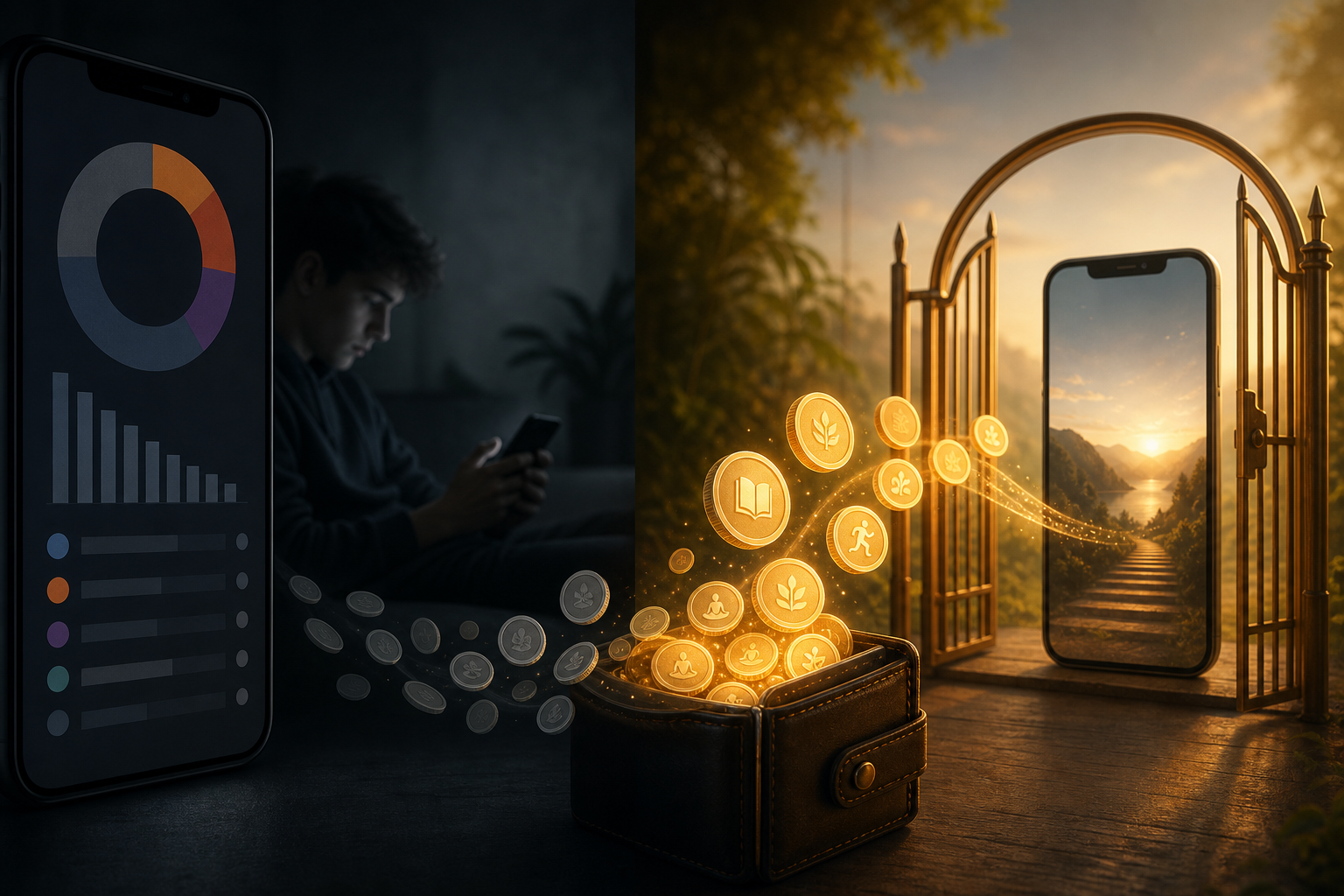
Android’s Digital Wellbeing and third-party screen time app charts answer a useful question: where did yesterday go? They rarely answer the harder one: what stops the next thumb-open on TikTok when you are tired at 10 p.m.?
RepLock sits in a different category—earn screen time with a wallet you fund through movement and spend through unlock packs on gated apps. This comparison is for adults choosing tools, not a “best apps” listicle. We build RepLock; we will be explicit about tradeoffs.
What Digital Wellbeing does well
Google’s tooling (and similar OS dashboards) excels at:
- Usage visibility — per-app timers, weekly reports, bedtime reminders.
- Soft limits — gentle nudges when Instagram crosses a self-set threshold.
- Low friction setup — already on many Pixel and Android devices.
If your problem is ignorance—“I did not realize YouTube was three hours”—charts help. They are weak when the problem is impulse after you already know the number.
Where passive wellbeing breaks down
Category feedback on timer-only products clusters around:
- Nags ignored — “5 minutes left” banners become wallpaper.
- No cost at open — the feed is still one tap away.
- Shame without structure — charts guilt you after the scroll, not before.
An earn screen time app adds a gate: selected apps require wallet minutes you earned with push-ups, squats, or steps. The pause is physical, not rhetorical.
RepLock’s model in one table
| Job | Digital Wellbeing (typical) | RepLock |
|---|---|---|
| Show usage history | Strong | Secondary (streaks/wallet focus) |
| Block specific apps at open | Limited / soft | Overlay gate on picks |
| Make access cost effort | No | Earn minutes → spend packs |
| Parental device lock | Family Link elsewhere | Explicitly not our job |
| Web/VPN blocking | Not app-level overlay | Not promised |
RepLock uses Accessibility to detect foreground apps you selected and show a fullscreen gate. That is app-level blocking—not DNS/VPN, not notification sealing, not an unbypassable cage. Emergency PIN and uninstall remain exits.
When to use which (or both)
Start with Digital Wellbeing if you only need awareness and gentle caps.
Add RepLock if you keep opening the same two apps on autopilot and want movement between you and the feed.
They can coexist: wellbeing for weekly review, RepLock for high-impulse gates. Neither is medical treatment for phone addiction—we do not claim cures or clinical outcomes.
Freemium and trust on earn-time apps
Store reviews punish digital wellbeing app listings that hide paywalls before you block anything, or “minutes” that drain when you are not inside the locked app. RepLock’s wallet is spend-on-unlock packs (5 / 10 / 20 / custom) under an active pass—see Earn screen time wallet setup for the loop.
Free tier runs a limited earn → gate path; Pro expands blocked apps, exercises, and insights. Unlimited free blocking is not promised.
How we tested this in RepLock
On 2026-07-18, Morrowline Apps compared a Pixel Digital Wellbeing weekly report with RepLock’s gated-open flow on the same device. Wellbeing surfaced historical Instagram time; RepLock interrupted the next foreground open with an overlay until we spent a credited 5-minute pack. Accessibility disabled → gate stopped, confirming app-level limits.
Claims bounded to product brief and forbidden-claims list. No parental-control or addiction-cure language used.
FAQ
Is RepLock a replacement for Digital Wellbeing?
Not necessarily. Wellbeing charts usage; RepLock gates selected apps with earned minutes. Many people use both.
Does RepLock block websites in Chrome?
No. App-level overlay gating only—not VPN/DNS web blocking.
Is earn screen time the same as a focus timer?
Focus timers remind. RepLock makes opens cost wallet minutes you funded with movement.
Can parents use RepLock to lock a child’s phone?
No. Adult self-control product—not Device Owner parental control.
Read App blocker honesty for permission limits, then install RepLock and run one earn → spend cycle on a single gated app.