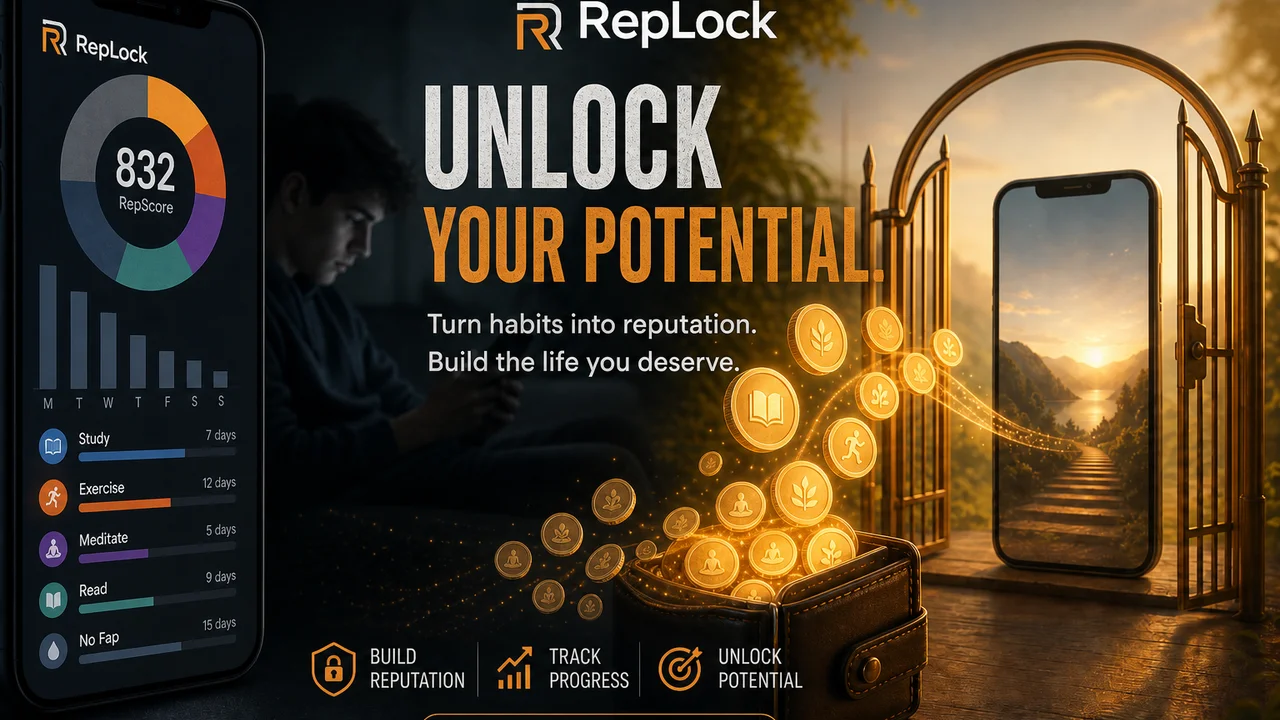
You earned minutes—then they disappeared while you were making coffee. That is the failure mode behind screen time unlock packs anger in app reviews: budgets that burn on a background timer instead of when you actually open TikTok, Instagram, or games you gated. A fair earn screen time app spends wallet credit when you choose to unlock, not silently while you are elsewhere.
RepLock uses unlock packs—5, 10, 20, or custom minutes—under an active pass after you fund Today’s screen time wallet with pose workouts or step walks. This guide is about spend habits: how to pick pack sizes, avoid binge-unlock spirals, and keep the wallet honest on Android.
What unlock packs should fix
Digital Wellbeing-style timers often report usage without changing the moment of temptation. Earn-time products add a gate at app open. The VoC gap is spend fairness:
- Background drain — “Minutes ticked down while I wasn’t in the app.”
- Binge unlock — one large pack turns into an accidental hour.
- Earn without spend rules — wallet fills, then you impulse-open with no plan.
Unlock packs are RepLock’s answer: you activate a pass for a defined window when the overlay gate appears. The wallet moves at unlock time, aligned with intentional access.
Habit 1 — Match pack size to the task, not the mood
| Pack | Good for | Risk if misused |
|---|---|---|
| 5 min | Quick message check, single story | Feels tight—good friction |
| 10 min | Planned catch-up | Easy to chain into “just one more” |
| 20 min | Intentional session you scheduled | Binge if you did not earn enough first |
| Custom | Odd lengths you pre-decide | Requires discipline on the number |
Start with 5-minute packs on your highest-temptation app until the loop feels automatic. Category paraphrases like “I unlocked 20 and lost an hour” usually mean pack size outran earn rate—not a broken blocker.
Habit 2 — Earn before you spend, every time
The loop is earn → wallet balance → unlock → gated app opens. Skipping earn turns RepLock into a wishful timer. Practical sequence:
- Check Today’s wallet balance.
- If balance is low, run a short pose set or walk for screen time first.
- Pick the smallest pack that fits the task.
- Open the gated app only after the pass is active.
This pairs with blocking honesty: overlay gating is app-level, not absolute. Emergency PIN bypass and uninstall remain possible exits—we state that plainly.
Habit 3 — One gated app per impulse session
Blocking half your launcher increases bypass temptation. Keep the first week to one or two apps—usually short-form video or infinite feeds. Spend one pack per session before switching to another gated app. That reduces “wallet whack-a-mole” where every icon demands a new unlock.
Freemium limits cap how many apps you gate before Pro. We do not promise unlimited free blocked apps.
Habit 4 — Watch streak and balance as feedback, not shame
RepLock surfaces Today’s balance and streak as cost visibility—not clinical behavior change or guaranteed focus outcomes. If you burn two 20-minute packs daily without earning, the product is telling you the rule set is too loose. Shrink packs or raise earn requirements instead of disabling the gate.
How unlock packs differ from timer-only wellbeing
Google’s Digital Wellbeing charts where time went; it rarely adds friction at the exact open gesture. RepLock adds overlay gating plus wallet spend. For a full comparison frame, see Digital Wellbeing vs earn screen time wallet.
Product limits worth repeating: no VPN/DNS web blocking, no reliable notification lockdown, no parental Device Owner mode, no medical claims. Camera pose counting can miss reps; step walks need motion permission.
Freemium without bait-and-switch
RepLock Pro expands blocked apps, exercises, weekly insights, and themes through Google Play billing. Free tier should still let you experience earn → unlock once. We do not claim addiction cures or unbreakable locks.
How we tested this in RepLock
On 2026-07-21, Morrowline Apps tested unlock pack spend on the Android Google Play build (com.pushup.screentime.replock). After earning minutes into Today’s wallet, we activated 5-, 10-, and custom-minute passes on a gated social app and confirmed the overlay required an active pass before entry. Wallet balance decreased at unlock activation, not while the phone sat on the home screen.
We compared against a session where we skipped earn—gating correctly blocked until credit existed. We verified claims against the RepLock product brief and forbidden-claims list. Outline and draft were editorially assisted; product constraints were checked by Morrowline Apps on the date above.
FAQ
What are screen time unlock packs in RepLock?
Defined-minute passes—5, 10, 20, or custom—you activate when a gated app opens. They spend Today’s wallet balance for intentional access.
Why did my minutes drain without opening the app?
RepLock is designed for spend-on-unlock. If credit moves without a pass, check for an active session or contact support with build details—background timer drain is what this habit guide is meant to prevent.
Can I use small packs only?
Yes. Many users keep 5-minute packs on the highest-temptation apps and earn before each unlock.
Install RepLock from Google Play, earn a small wallet balance, and try a single 5-minute pack on one gated app. For wallet setup from zero, see Earn screen time app setup.