Not everyone wants push-ups before every scroll session. A walk for screen time app path matters when your knees, schedule, or mood make floor workouts a non-starter. The honest earn model still needs friction: you fund a screen time wallet with movement, then spend unlock packs when a gated app opens—not a passive timer that nags while you ignore it.
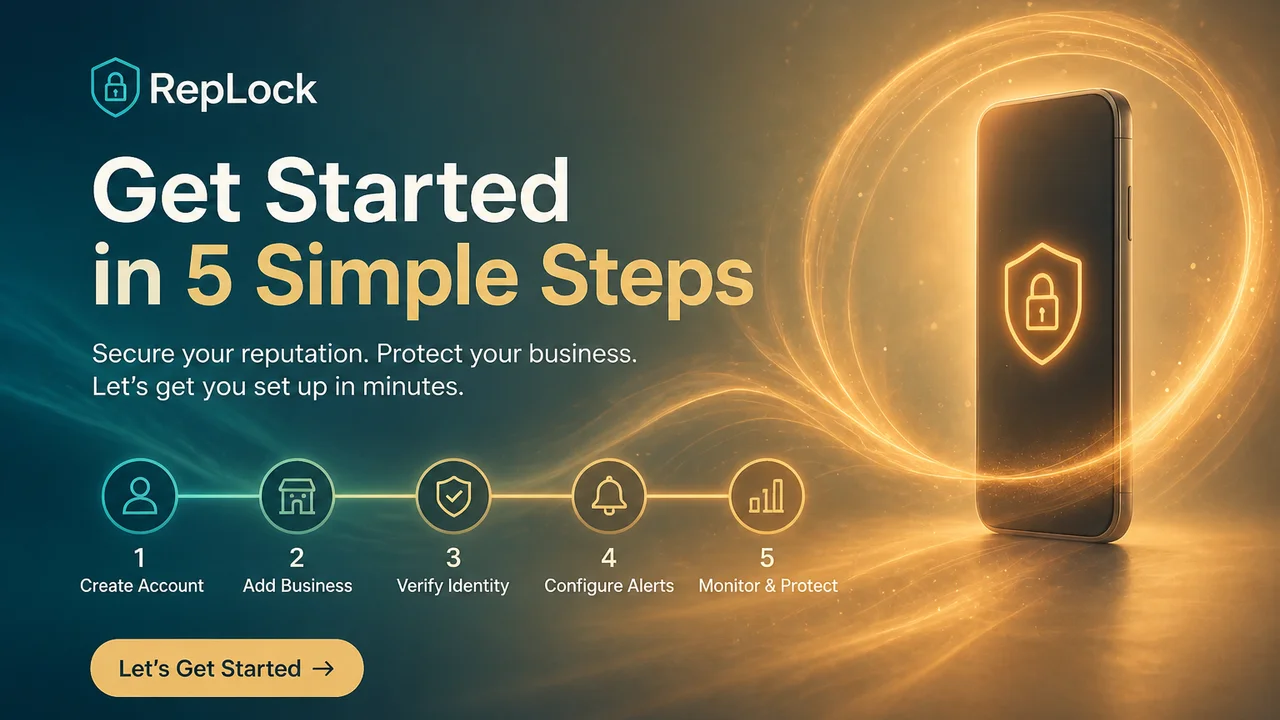
RepLock on Android supports on-device step walks alongside camera pose exercises. You pick the apps that steal focus, earn minutes by walking, and unlock with 5 / 10 / 20 / custom packs under an active pass. This guide covers the step-earn workflow so the first walk → wallet → unlock loop works before you think about Pro.
Why steps belong in an earn screen time app
Category feedback repeats two complaints about workout-only earn paths: push-up counting feels punishing on bad days, and missed reps leave the wallet at zero even when you moved. A step counter screen time lane lowers the entry cost while keeping the same gate.
Walking is not a loophole. Steps still cost time and attention. The product truth is that RepLock credits walks through on-device activity recognition—not a medical fitness program, not guaranteed calorie burn, and not a replacement for pose workouts when you want higher earn rates.
Three VoC-style anxieties show up in reviews of similar apps:
- “I moved but nothing credited” — permissions, battery optimization, or starting the walk session late.
- “Push-ups are too hard daily” — users abandon the earn loop entirely.
- “Minutes vanished while I wasn’t scrolling” — unfair spend vs true unlock-pack use.
RepLock’s wallet is meant for spend-on-unlock, not silent background drain. Steps and poses both land in Today’s balance; you choose when to spend.
Step 1 — Gate the apps that trigger autopilot scroll
Open RepLock and select short-form video, social feeds, or games—not your entire launcher. Adult self-control works better with one or two high-impulse targets than a blanket block that you bypass on day three.
Accessibility-based overlay gating detects when a selected app reaches the foreground. That is app-level protection, not VPN, web, or reliable notification lockdown. If you need the permission story spelled out, see App blocker honesty: Accessibility overlay limits.
Step 2 — Start a step walk before you need the minutes
In RepLock, start the step walk earn path before you open the gated app. Activity recognition runs on-device; keep the phone on you with motion permissions granted. Battery saver modes that kill background sensors are a common reason steps fail to credit—category paraphrases sound like “I walked and the wallet stayed empty.”
Practical habits:
- Begin the walk session, then pocket the phone and move for a few minutes.
- Check Today’s wallet balance before tapping Instagram or TikTok.
- If credit lags, confirm activity recognition permission and retry a short loop outdoors or on a treadmill.
Step 3 — Fund the screen time wallet, then spend intentionally
Earned minutes stack in Today’s screen time wallet. When a gated app opens, you spend an unlock pack—5, 10, 20, or custom minutes—under an active pass. That matches the demand for fair minute spend: the wallet moves when you choose to unlock, not because a hidden timer burned credit in the background.
Pair walking with smaller packs for quick checks. Save larger packs for sessions you actually planned. For pack-level habits and binge control, read Unlock pack habits for your screen time wallet.
Walking vs camera workouts in RepLock
| Path | Best when | Caveat |
|---|---|---|
| Step walk | Low friction, commute, recovery days | Needs motion permission; not a trainer |
| Camera pose set | Higher earn intensity, home space | Framing/lighting; on-device counting can miss reps |
Freemium limits apply to how many apps you gate and which exercises are available before Pro. We do not promise unlimited free blocking or every exercise without upgrade.
Freemium and Pro without bait language
RepLock is freemium: a usable starter loop on free tier, Pro expands blocked apps, exercise variety, weekly insights, and themes via Google Play / RevenueCat. We do not claim addiction cures, parental-grade unbreakable locks, or clinical outcomes—only physical friction before distraction.
Emergency PIN bypass exists with a daily cap for real exceptions. Uninstalling or disabling Accessibility stops protection; that is stated plainly, not hidden.
How we tested this in RepLock
On 2026-07-21, Morrowline Apps ran the step walk → wallet → unlock pack loop on the Android Google Play build (com.pushup.screentime.replock). We gated one social app, started a short step walk with activity recognition enabled, confirmed minutes in Today’s wallet, then spent a 5-minute unlock pack to open the gated app. Overlay gating required an active pass; minutes credited after movement, not while idle on the home screen.
We compared the same session against a camera pose earn path—both funded the same wallet. We verified claims against the RepLock product brief and forbidden-claims list. Outline and draft were editorially assisted; product constraints were checked by Morrowline Apps on the date above.
FAQ
Can I earn screen time by walking instead of push-ups?
Yes. RepLock supports step walks and camera pose workouts. Choose the path that matches your day; both credit Today’s wallet.
Why did my steps not count toward screen time?
Common causes: walk session not started, activity recognition permission off, or aggressive battery optimization. Start the earn session before opening the gated app and retry a short loop.
Is walk for screen time free on RepLock?
Freemium applies. You can run a limited earn → unlock loop on free tier; Pro expands caps. Check in-app Play pricing—do not trust listings that imply unlimited free blocking.
Install RepLock from Google Play, gate one distraction, earn a small balance with a short walk, and spend a 5-minute pack once. For the full wallet setup, see Earn screen time app setup.