You need an app blocker for studying that survives a real semester—not a cute pomodoro tree that leaves Instagram wide open. Students and knowledge workers search distraction blocker for study because timers measure focus while the feed still loads in one tap.
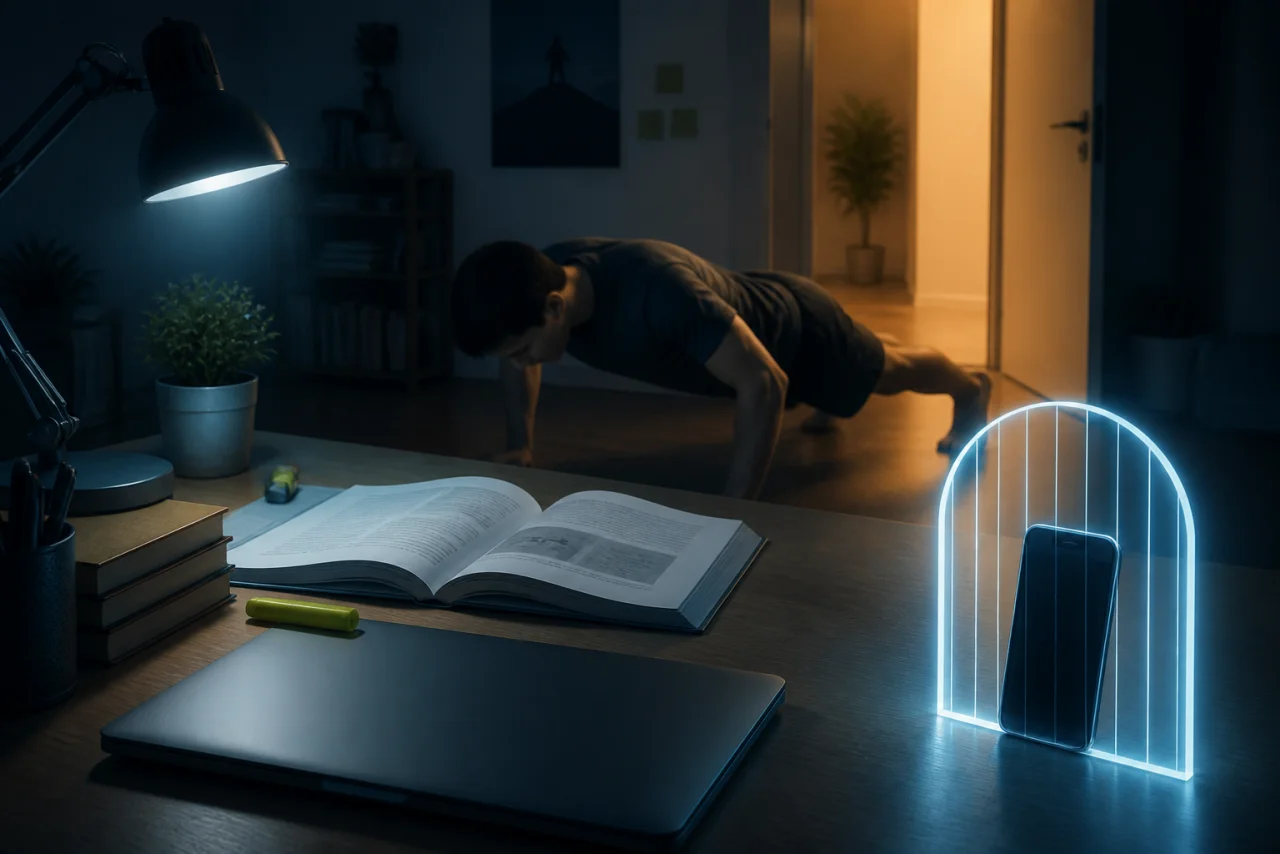
RepLock combines daily app gates with a movement-earned screen time wallet. Pre-fund break minutes with push-ups, squats, or a walk; keep social apps gated during study blocks; spend small unlock packs when you choose a bounded scroll. This workflow is not the same as a one-shot focus session or a setup how-to—it is how study days and break budgets meet.
Why study timers fail the feed test
Forest-style timers and pomodoro apps reward you for not touching the phone—they rarely block TikTok, Instagram, or YouTube from opening. Category feedback clusters around:
- "I doomscroll for hours and wonder why nothing got done" — intention without a gate.
- "My study app does not block Reels" — measurement without friction.
- "I cannot stop mid-essay for push-ups" — breaks feel impossible unless minutes are already earned.
RepLock's answer: earn a small wallet before the study block, gate the distractions you pick, spend 5-minute packs on breaks instead of "just checking" without a budget.
Step 1 — Gate the apps that eat study time
Select Instagram, TikTok, YouTube, or games in RepLock—not your notes app or PDF reader. Adult self-control: you choose the list. RepLock is not Device Owner parental control.
If you are unsure which apps to gate first, read Which apps to block first for earn screen time.
Step 2 — Pre-earn break minutes before you sit down
Do a short pose set or a walk before opening your textbook. Minutes land in Today's wallet. That front-loads breaks so mid-essay you are spending, not negotiating with yourself to drop and do twenty push-ups.
Low-energy days: walks credit steps into the same wallet—Walk steps to earn screen time.
Step 3 — Run a focus block, then spend a pack
Study for a defined window—forty-five to ninety minutes depending on your course load. When you need a break, open a gated app and spend a 5-minute unlock pack, not an open-ended session. When the pack ends, the gate returns.
For a deeper focus-session template, see Focus session earn screen time—this guide emphasizes semester-long study gating rather than a single deep-work sprint.
Step 4 — Set daily limits so evenings do not undo the day
Per-app daily limits plus the wallet stop "I earned once and scrolled all night." Pair limits with fair earn rates—Earn rates and daily limits.
Freemium caps apply to blocked apps and exercises; Pro expands limits and weekly insights. We do not claim unlimited free blocking.
How we tested this in RepLock
On 2026-08-23, Morrowline Apps gated Instagram and YouTube on an Android Google Play build, pre-earned minutes with a short walk and squat set, studied behind the gate for a timed block, then spent a 5-minute unlock pack on a break. The overlay returned when the pack expired. Claims were checked against the RepLock product brief and forbidden-claims list.
FAQ
Is RepLock a replacement for Forest or pomodoro apps?
It is an app gate with earned break budgets—not a tree-growing timer. Use it when the problem is opening blocked apps, not tracking minutes silently.
Can I block study apps too?
Only gate distractions you select. Keep notes, calendar, and course tools off the list.
What about exam week when I need zero breaks?
Disable gates temporarily or stop spending packs—but uninstalling or disabling Accessibility ends protection honestly.
Install RepLock from Google Play, pre-earn a small wallet, gate your worst study distractions, and spend 5-minute packs on breaks you already funded. Study blocks work when the feed costs minutes you earned on purpose.