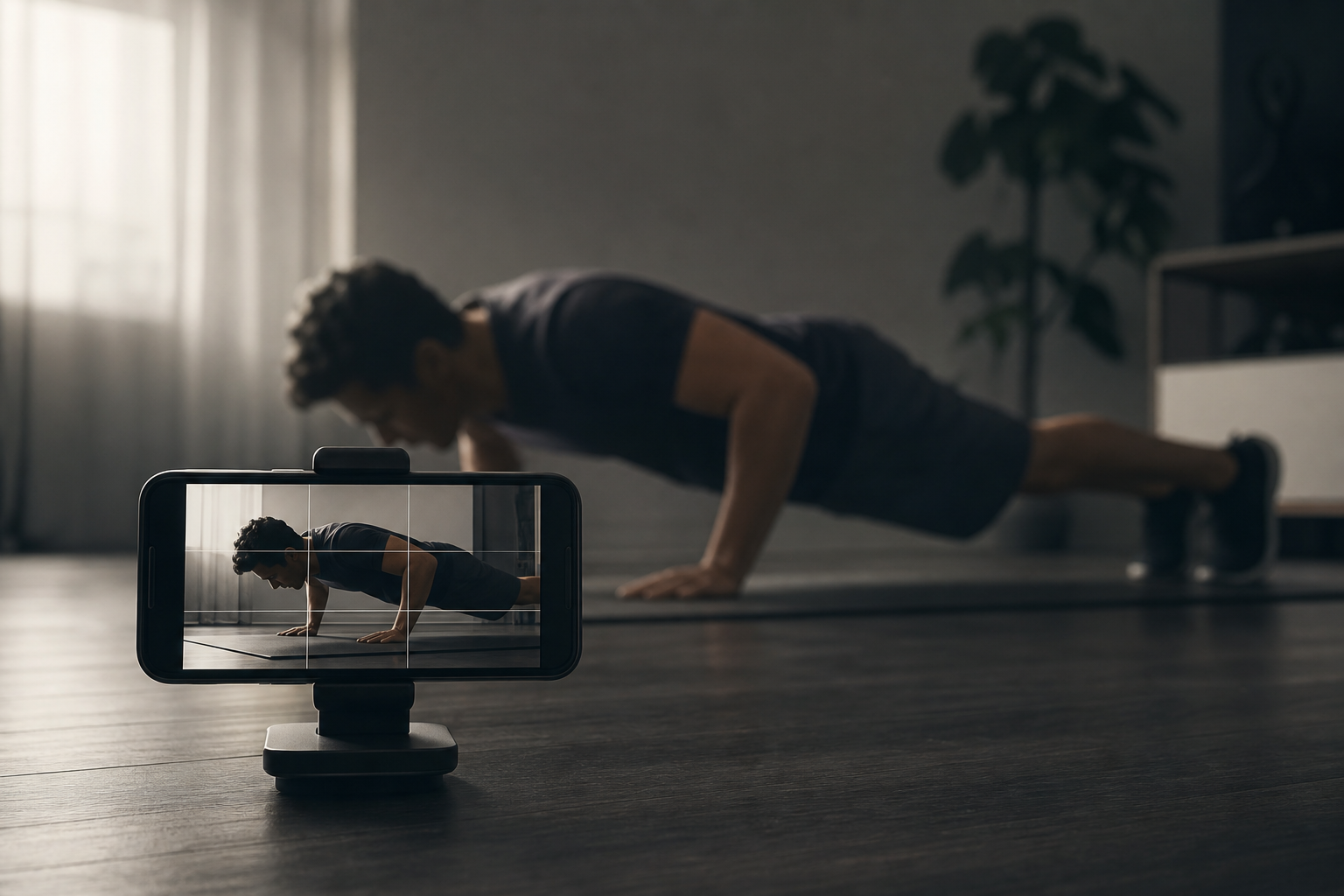
Earn-screen-time apps live or die on one moment: you finish a set, and the counter credits zero—or drops reps halfway. Category reviews call this “scam detection” even when the product is honestly on-device pose estimation, not a coach watching you.
RepLock counts push-ups, squats, plank holds, and other movements with on-device pose detection so you can bank screen time wallet minutes. When counting misses, the fix is usually environment and framing—not buying a subscription to “better AI.” This troubleshooting guide is for adults using RepLock’s earn loop, not for medical fitness coaching.
What on-device counting can and cannot do
RepLock’s camera path estimates joint positions to increment reps. It does not:
- Coach safe form or prevent injury
- Replace a personal trainer or physical therapist
- Work perfectly in dim closets, extreme angles, or partial body framing
- Guarantee identical credit across every phone sensor
What it does do: credit movement you complete in frame so you can spend unlock packs on gated apps. Treat misses as a setup problem first.
Symptom — reps freeze mid-set
The most common complaint pattern: counting starts, then stops at three of ten push-ups.
Likely causes:
- Body left the frame — head or feet cropped when you lower chest.
- Backlighting — window behind you blows out the silhouette.
- Phone too close or steep angle — joints overlap confusingly.
- You opened the gated app mid-set — session interrupted before credit.
Fix order:
- Place the phone at chest height, 6–8 feet away, portrait or landscape per in-app hint.
- Face a light source; avoid strong backlight.
- Wear contrast clothing against the floor/wall.
- Complete the full set before switching apps.
- Retry once with a smaller target (five reps) to confirm credit lands in Today’s wallet.
Symptom — squats or planks never register
Squats need visible hip and knee flexion; planks need a stable side or front profile depending on exercise mode. Jumping exercises need full vertical travel in frame.
If one exercise type consistently fails, switch temporarily to step walks—activity recognition credits steps into the same wallet while you debug camera placement. Walking is a legitimate earn path, not a consolation prize.
Symptom — “I did the reps but wallet stayed zero”
Check these before assuming fraud:
- Did the set screen show completion, or did you background the app?
- Is Today’s wallet view refreshed after the session?
- Are you on a free-tier exercise cap that requires Pro for additional movement types?
- Did battery saver kill the camera session?
Freemium confusion angers users when they cannot tell whether a failed credit is technical or paywalled. RepLock separates exercise availability by tier—check in-app limits before rage-quitting.
When to stop troubleshooting and change approach
On-device counting will never be perfect. If your room cannot support camera workouts:
- Use step walks as your primary earn path.
- Pick lower-friction exercises with larger joint movement (squats vs micro push-up variants).
- Accept that emergency PIN bypass and uninstall remain exits—RepLock does not sell unbreakable locks.
We do not promise clinical behavior change or guaranteed focus outcomes. Movement adds friction before scroll; your rules still matter.
How we tested this in RepLock
On 2026-07-18, Morrowline Apps ran repeated push-up and squat sets on an Android Google Play build under controlled lighting, then under deliberate poor framing (backlight, cropped feet). Good framing credited reps consistently; poor framing produced mid-set drops that resolved after repositioning. Step walks credited in parallel without camera dependency.
Counting is on-device pose estimation—not medical coaching. Claims were verified against the RepLock product brief and forbidden-claims list by Morrowline Apps.
FAQ
Why does RepLock miss push-ups other apps count?
Different pose models and framing rules. Fix lighting and distance before comparing apps.
Is camera workout counting safe for beginners?
RepLock does not coach form or prevent injury. Consult a professional for exercise safety; use counting only as a screen-time gate mechanic.
Can I earn screen time without the camera?
Yes—step walks credit via activity recognition into the same wallet.
Does Pro fix detection accuracy?
Pro expands exercise types and app caps; hardware framing still dominates accuracy.
For wallet setup after credits land, see Earn screen time app setup. To gate TikTok with the same loop, read Block TikTok with push-up minutes.